How to make 3D image on WhatsApp using Perplexity:
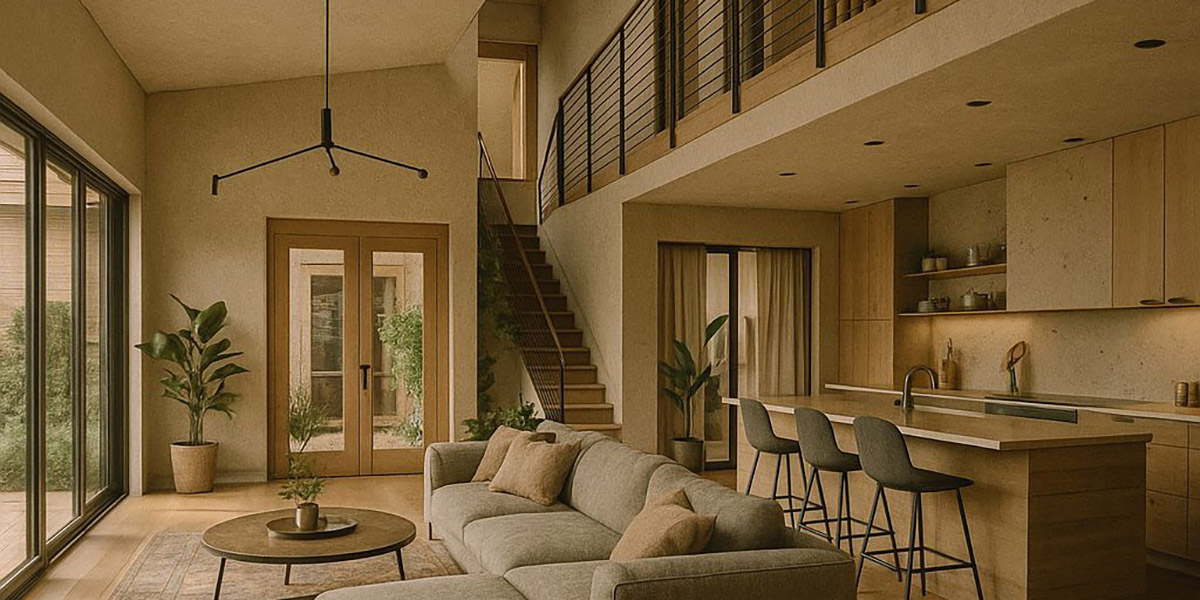
Step by Step
Want to turn your pencil sketch into a stunning AI-generated image using Perplexity on WhatsApp? Here’s how you can do it, quick and easy!
-
Start a Chat with Perplexity
First, open a WhatsApp chat with Perplexity. You can click this link or add +1 (833) 436-3285 to your contacts. -
Upload Your Pencil Drawing
Snap a photo of your pencil sketch and send it in the chat. -
Add Your Prompt
Right after your image, type what you want Perplexity to do. For example:
Please turn this pencil drawing into a realistic 3D rendering with a 35mm film photography style. Keep the composition and layout the same as my sketch. -
Get Your AI Artwork!
Sit back and watch as Perplexity transforms your hand-drawn idea into a polished, cinematic image.
You can experiment with different prompts to tweak the style or mood. It’s super convenient—no extra apps needed!